Native one-hand experience
A focused interface, reachable navigation and clear action hierarchy designed for practical field use on a phone.
 Let's Talk →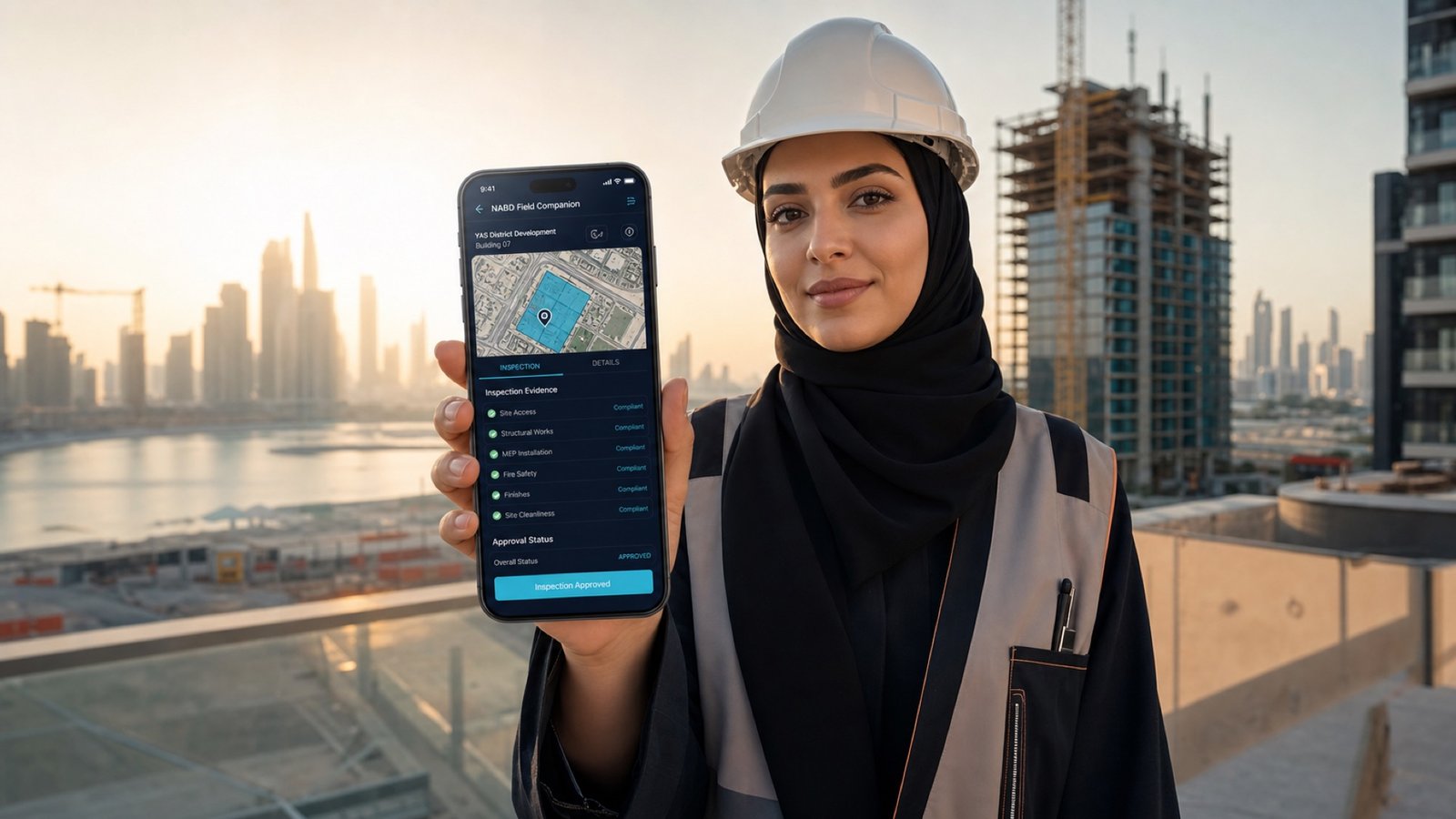
LIVE EXPERIENCE · Construction, Real Estate and Field Operations
A working native-style mobile application concept for field teams to carry project context, capture inspection evidence, work offline and close approvals from one guided workflow.
A Digital Alta working concept, not client work. Example products, prices, reviews and operating data are illustrative.
WHAT THIS BUILD DEMONSTRATES
The NABD Field Companion shows how a mobile product can remain connected to an enterprise platform without copying its desktop interface. It gives site teams a focused journey for role selection, project access, district context, inspections, photo and voice evidence, drawing references, offline drafts, notifications and approvals. Prospects can use the interactive phone experience directly from the landing page or open it full screen on a mobile device.
A focused interface, reachable navigation and clear action hierarchy designed for practical field use on a phone.
Capture photos, written observations, voice context and drawing references inside one complete review record.
Carry the relevant district, scenario, task, grid location and coordinated drawing from the desktop platform into the field.
Save inspection drafts on the device when connectivity is limited, then continue the review workflow when access is restored.
Review impact summaries, approve changes, request revisions and keep the latest status visible to the responsible role.
OUR APPROACH
Enter a role-aware demonstration and see the permissions and priorities relevant to the user.
Load the connected project context, outstanding tasks, decisions and local drafts.
Follow the guided issue, photo, note, voice and drawing steps without losing required context.
Validate the complete record, save it offline or submit it into the demonstration review history.
Receive a notification, review the effect, approve or request revision and confirm the updated status.
COMMON QUESTIONS
Yes. The working concept includes onboarding, role selection, project access, district context, inspections, evidence capture, offline drafts, notifications and decisions.
Yes. A production mobile app can use secure APIs and identity controls to share approved project context, tasks, evidence and decision history with the main platform.
Yes. The final technology approach can use native or cross-platform development based on device capabilities, security, offline requirements and release goals.
No. It uses concept data only and does not connect to official Abu Dhabi or client systems.
LET'S BUILD WHAT'S NEXT
Tell us what needs to change. We'll help clarify the right digital path.